
The short answer
A click track gives musicians a timing reference. A backing track supplies recorded music, such as a keyboard part, percussion or backing vocals. Your band can use either one on its own, or both together.
Start with the problem you hear in rehearsal. If everyone plays their own parts but entrances are loose, start with a click and a clear count-in. If the arrangement needs a recorded part that nobody will play live, you also need backing audio.
What each track is for
| Track | Purpose | Typical listener |
|---|---|---|
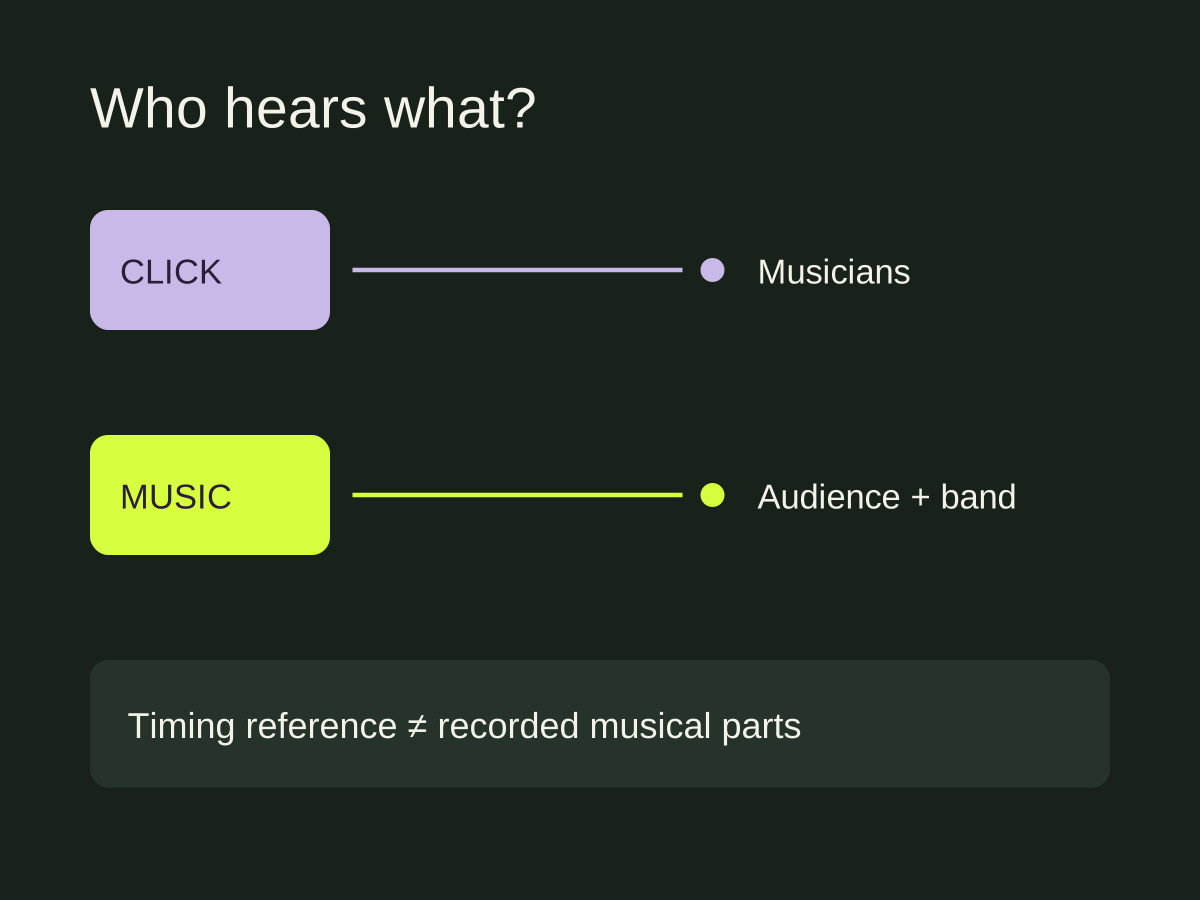
| Click | Keep a shared tempo | Musicians through monitors or headphones |
| Backing audio | Play recorded musical parts | Audience and musicians |
| Spoken cues | Announce an upcoming section or entrance | Musicians |
A metronome can provide the pulse for an exercise. A prepared click file can also have a defined beginning, count-in and ending that match an arrangement. Spoken cues add information the pulse alone cannot give: where the next chorus starts, for example.
Playing a full reference recording during rehearsal is another use case. It helps you hear the arrangement while learning it. That recording is not automatically a suitable backing track for a performance: it may include the lead vocal, drums and every other part your band is already playing.
Three rehearsal situations
You know the song, but the band rushes. Try a click first. Agree on the tempo and rehearse a short section before attempting the whole song. Adding a full backing arrangement would introduce another thing to manage without addressing the timing decision.
The chorus follows a long quiet passage. A steady pulse can keep everyone counting, but a spoken section cue can make the entrance easier to identify. Place the cue before the entrance so players have time to prepare.
The recorded arrangement includes a synth part. Decide whether someone will play it, whether you will arrange around it, or whether it belongs in the backing audio. The click supplies the timing; you still need a player or recorded audio for that synth part.
Decide who hears what before a show
For a performance, the audience normally hears the musical backing audio while the click and spoken instructions stay in the musicians’ monitor mix. Keeping those signals separate takes a suitable playback and output setup. Exporting separate files is only the preparation step.
Ask the person handling sound which player, interface and outputs will be used. Rehearse with that setup and check the audience feed as well as the headphones. Hearing the right mix in your headphones does not prove that the front-of-house mix is correct.
Do not assume a stereo headphone output gives you independent stereo backing audio and an additional private click channel. The available output channels and routing determine what you can separate.
Start with one song
Choose a familiar song with a clear tempo. Agree on the first downbeat, the length of the count-in and any cue words. Play the intro and the first section change, then ask whether the click and cues helped. Adjust the rehearsal setup before preparing the rest of the set.
Cuebie lets you rehearse with your recording, a click and spoken cues at separate levels. You can also export WAV tracks for a playback setup. It does not turn a finished song into isolated instrumental stems or configure your live audio routing.
For the practical setup on iPhone, follow the Cuebie getting-started guide. If your click moves away from the recording, use our sync troubleshooting guide before adding more cues.
Part of our click tracks guide.