
A timing reference you can hear
A click track is a sequence of timed sounds that musicians use as a reference while playing. Each click marks a beat or subdivision. It can run on its own or alongside a recording, giving players something consistent to count against.
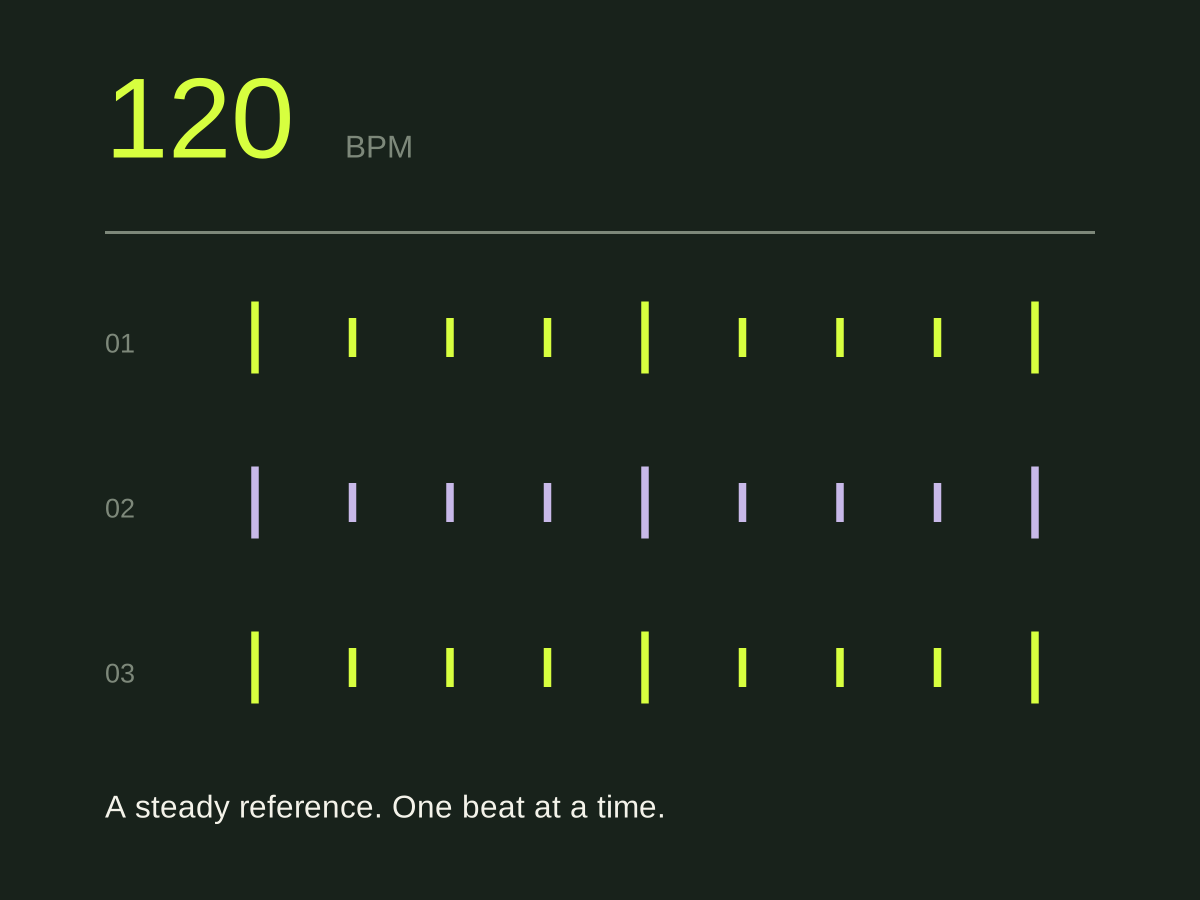
At 120 quarter-note beats per minute, each beat lasts half a second. A bar of 4/4 lasts two seconds. You can hear that timing in the click and choose how your part sits around it. The click keeps running at its set tempo; it cannot correct your playing.
You can use a metronome to produce a live pulse, or prepare an audio file whose timing matches a particular arrangement. A prepared file can include a count-in and spoken announcements before section changes.
Click, song and cue have different jobs
The song recording lets you hear the arrangement. The click supplies the pulse. A spoken cue names an upcoming section so a player can prepare before it starts. Those signals can be combined for rehearsal while keeping their levels separate.
A backing track contains musical parts that play alongside the live musicians. It might include a keyboard layer or backing vocals. If every part is being played live, you may only need a click. Our click track and backing track comparison explains those choices.
Try four bars before a whole song
Choose a familiar four-bar passage in 4/4 and agree on a comfortable tempo. Count one bar aloud, then play the passage with a quarter-note click. Decide in advance whether the final note stops on beat one of the next bar or rings through it.
Repeat the passage and listen to the entrance and ending. If one player enters late, check which beat they expected to start on. If the whole band gradually pulls ahead, slow the exercise enough to hear that movement clearly. A louder click is unlikely to settle a disagreement about the arrangement.
Once the passage works, start four bars earlier and approach it in context. You may know the part and still lose your place while waiting for it.
Does the recording hold a steady tempo?
A fixed-tempo click works best when the recording follows that tempo. Some recordings speed up, slow down or change tempo deliberately. One BPM setting cannot follow all those changes.
Align a clear downbeat, then check the middle and end of the recording. If the click starts correctly but moves away, use the alignment and tempo troubleshooting guide. Do this before placing cues on the grid.
For more on generating a regular pulse, Audacity documents tempo and beats per bar as separate rhythm-track settings.
Prepare it for your band
Agree who starts playback and who hears the click. During rehearsal, a reference recording can help players learn their parts. On stage, click and spoken instructions usually belong in the musicians’ monitoring, with any musical backing sent separately to the audience.
Cuebie lets you prepare a fixed click and spoken section cues around your recording on iPhone, balance the levels and export WAV tracks. Follow the app setup guide for the steps. For a pulse without a prepared arrangement, read click track vs metronome.