
Agree what the player needs
Ask the person running playback which files they expect and how they will be used. Confirm whether they need separate click and spoken cues, a combined private guide or a musical backing file prepared elsewhere.
Document the agreed format and channel requirements for that player. Do not assume every WAV file or export preset matches every rig. Cuebie provides WAV export options; verify the resulting files against the receiving setup.
Record a common timing reference
Write where playback begins relative to the song and how much count-in comes before the first musical entrance. Preserve the alignment between files that must run together.
If a file is edited after export, check that its beginning has not been trimmed or shifted relative to the others. Launch the delivered files in the actual player and compare a clear beat near the start, later in the arrangement and near the ending.
A growing timing gap needs investigation before the handoff is accepted. Renaming the file or adding a cue cannot correct an underlying tempo mismatch.
Use a manifest and a clear revision
Download the playback handoff manifest (CSV). Fill in the real filenames and decisions for your show.
Record the song and arrangement version, exported filename, revision, file role, intended destination and start reference. Add who checked the file and whether it was tested in the receiving player.
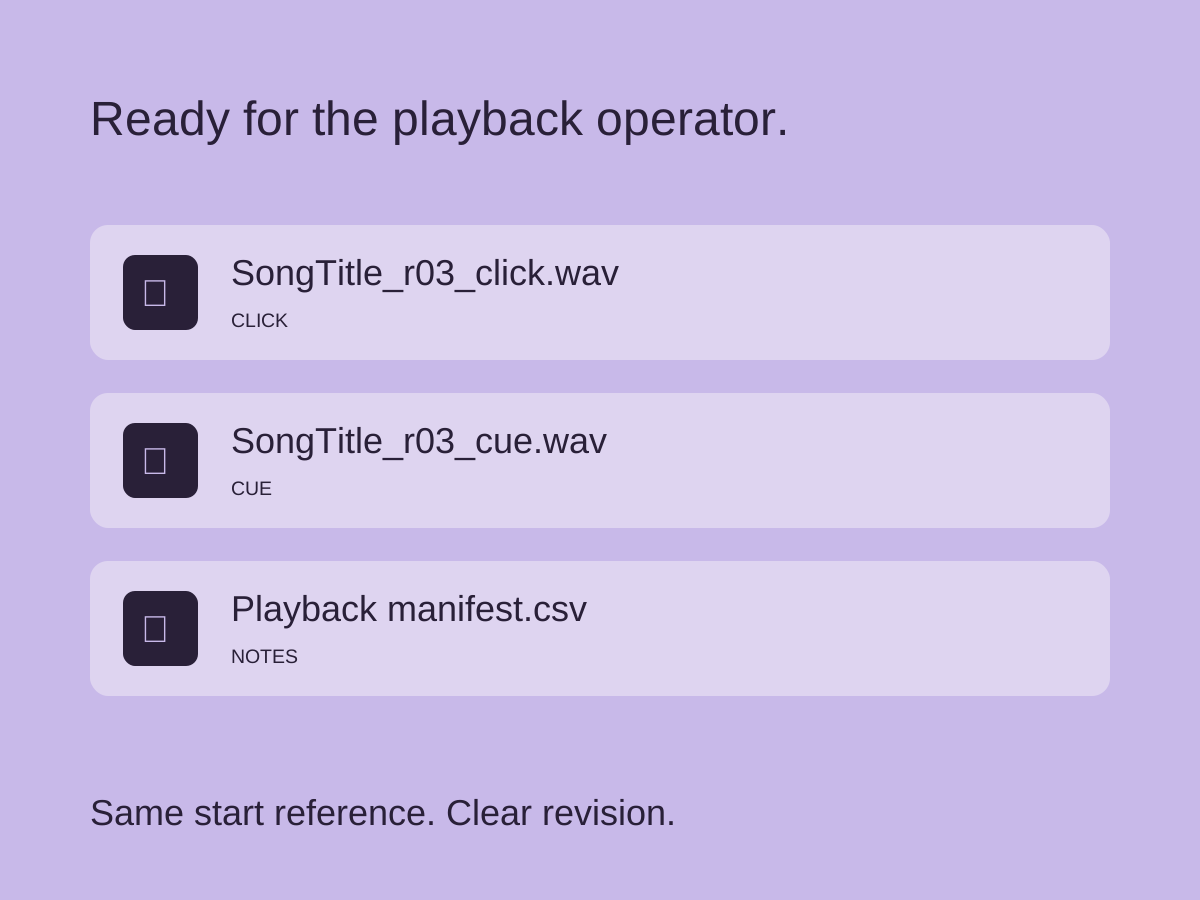
For your own exports, a name such as “SongTitle_r03_click.wav” can distinguish the role and revision. Use this as your own naming convention when organizing the exports. Keep superseded exports outside the active show folder so the operator can identify the agreed version.
Test the audience and monitor feeds
With the playback operator and sound engineer, confirm where each signal goes. Listen to the audience feed to verify that private clicks and instructions are absent. Separately check that musicians receive the guide they need.
Ableton’s output-routing documentation gives one application-specific example of separating a metronome when suitable outputs are available. Other players require their own routing checks.
Run a false start, restart and ending during rehearsal. Agree who stops playback and how the band responds if it fails. Keep a backup of the accepted files and manifest, then confirm that the backup is accessible to the person responsible.
For the full workflow, see preparing live backing tracks. Use the Cuebie app guide for the export steps before handing off the files.
Part of our live setup guide.