
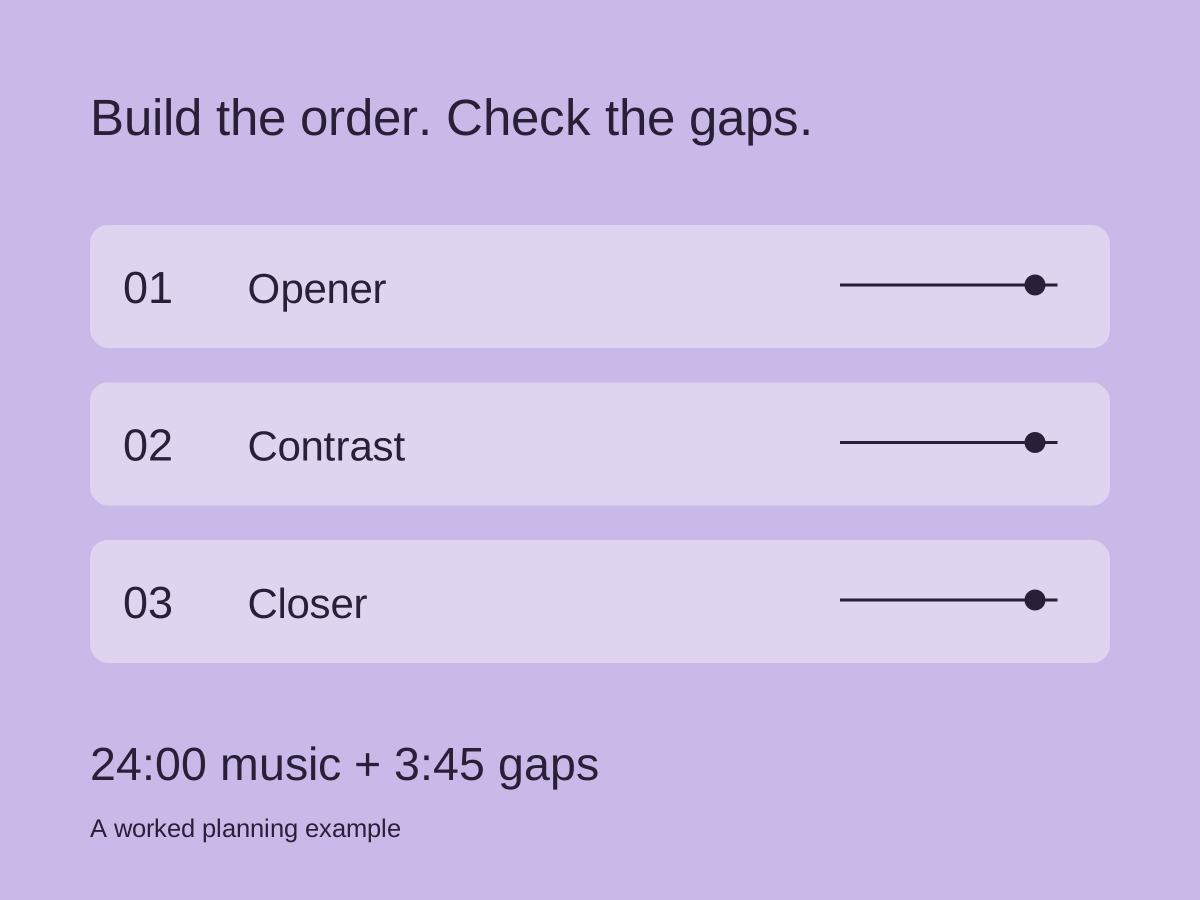
Begin with the actual slot
Confirm how long you have, whether introductions count toward that time and whether a hard finish is required. Choose from songs the band can play in the agreed versions. A setlist built around an unrehearsed arrangement leaves the timing uncertain.
Write down the duration of each version you intend to perform. A recording’s duration is only a starting estimate if your live arrangement has a longer solo, an audience section or a different ending.
Build an order you can perform
Choose an opener that the band can start confidently. Then consider changes in energy, vocal demand and equipment. Put any required instrument or tuning changes where the band can manage them.
A quieter song can provide a useful change of pace between more energetic pieces. Listen to the proposed sequence and check whether the contrast feels intentional.
Berklee’s setlist guide discusses assembling possible songs and considering how the program fits together. Use the worksheet to record timing and who starts each song.
Count the gaps as well as the songs
Suppose six songs total 24 minutes. If the five gaps between them take 45 seconds each, the sequence takes 27 minutes and 45 seconds before any introduction or final thanks. Use that calculation as an estimate until you time your own run-through.
Time a run-through and replace your estimates with observed durations. If you need to cut time, decide in advance which song or section can be removed. Do not leave several musicians guessing about whether to skip the same piece.
Use the worksheet
Download the setlist worksheet (CSV). Open it in a spreadsheet app and fill the blank rows with your songs.
Record song title, version, key or tuning, BPM, meter, estimated playing time, gap time and who starts the song. Add a brief entrance note where it matters: “drums count two bars” or “vocal pickup before first downbeat.”
Do not treat every field as mandatory. Include details your band actually needs to run the sequence, then keep the onstage view legible. A detailed rehearsal worksheet and a short stage list can serve different purposes.
Test and label the revision
Run the set in order, including transitions. Check whether anyone needs more time before a start and whether the closing song still fits the remaining slot. Record changes while they are clear, then distribute one named revision.
Use a date or revision label in the filename. If a backing file changes, update the corresponding reference in the setlist as well. The file handoff guide explains how to keep those exports identifiable.
Cuebie Setlists can organize your prepared songs in playing order. Prepare click and cues through the app workflow, and use the rehearsal plan to test the full sequence. Keep the CSV as a separate planning worksheet; it is not a Cuebie import file.
Part of our set planning guide.